
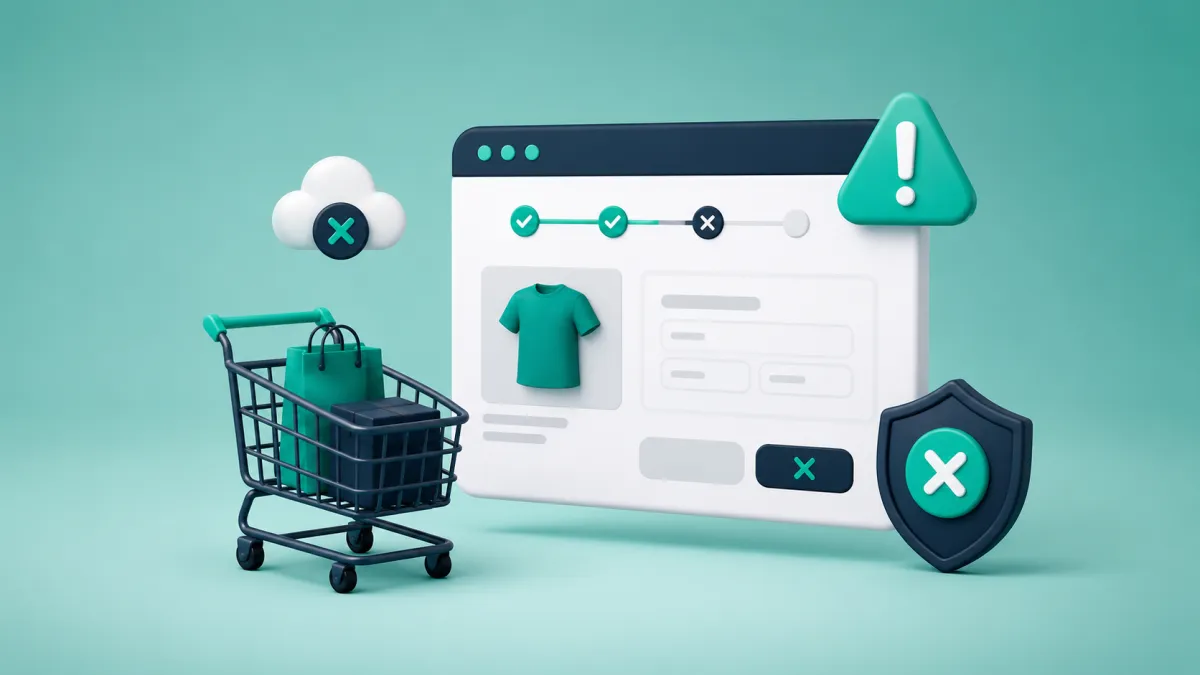
Why do shoppers leave before paying?
Shoppers usually leave for one of two reasons: they were never ready to buy, or the store introduced enough uncertainty to stop a purchase that might otherwise have happened. A useful checkout audit separates those cases instead of treating every abandoned cart as a broken checkout.
Start with evidence. Compare product views, add-to-cart events, checkout starts, payment attempts, and completed orders. Then complete the same journey yourself on a real phone, using a new customer account and the slowest connection your buyers are likely to use. Analytics tells you where the drop happens; the manual test often explains why.
Check these five points in order
1. The total changes too late
Shipping, tax, currency conversion, and payment fees should not appear as a surprise at the final step. Show delivery expectations and any calculable costs on the product or cart page. If the final amount depends on the address, say so before checkout.
2. The form asks for data the order does not need
A digital download does not need a shipping address. Many consumer orders do not need a company name. Remove fields only after checking tax, invoicing, fraud, and fulfilment requirements. WooCommerce supports guest checkout under WooCommerce → Settings → Accounts & Privacy; the official Accounts and Privacy documentation explains the available settings.
3. The expected payment method is missing
Do not choose payment methods from a generic “best gateways” list. Review completed and failed payments by country, device, and order value. Test every wallet or local method on the devices where it should appear. A gateway logo in the footer is not proof that the method is available during checkout.
4. Mobile checkout fails in small ways
Look for keyboards covering fields, invalid postal-code rules, country-code confusion, buttons below sticky overlays, unreadable validation messages, and wallet buttons that disappear in embedded browsers. Test Safari and Chrome on physical devices. Record the screen so the team can review the exact sequence.
5. Payment errors lead nowhere
A failed payment should preserve the cart, explain what the customer can do next, and offer another method where possible. Track the gateway response category without logging card details. Group failures into authentication, insufficient funds, invalid data, gateway availability, and unknown errors.
A checkout audit you can repeat monthly
Record the conversion between each funnel step for the last 30 days.
Split checkout completion by mobile/desktop, country, and payment method.
Run one new-customer purchase and one returning-customer purchase.
Test a failed payment, an invalid coupon, and an unavailable product.
Fix one high-confidence problem at a time and annotate the release date.
Compare at least one full business cycle before declaring the change successful.
What should you fix first?
Prioritize defects that block payment, then hidden costs and missing payment methods, then form and presentation improvements. Avoid replacing the entire checkout because one metric moved. A smaller, measurable correction is easier to verify and easier to reverse.
If the customer leaves after adding products but before payment, checkout fixes address only part of the problem. The next step is a consent-aware recovery workflow; see How Abandoned Cart Recovery Works in WooCommerce. If the page itself feels slow, use the diagnostic process in Why Heavy Plugins Slow Down Online Stores.